Our Work
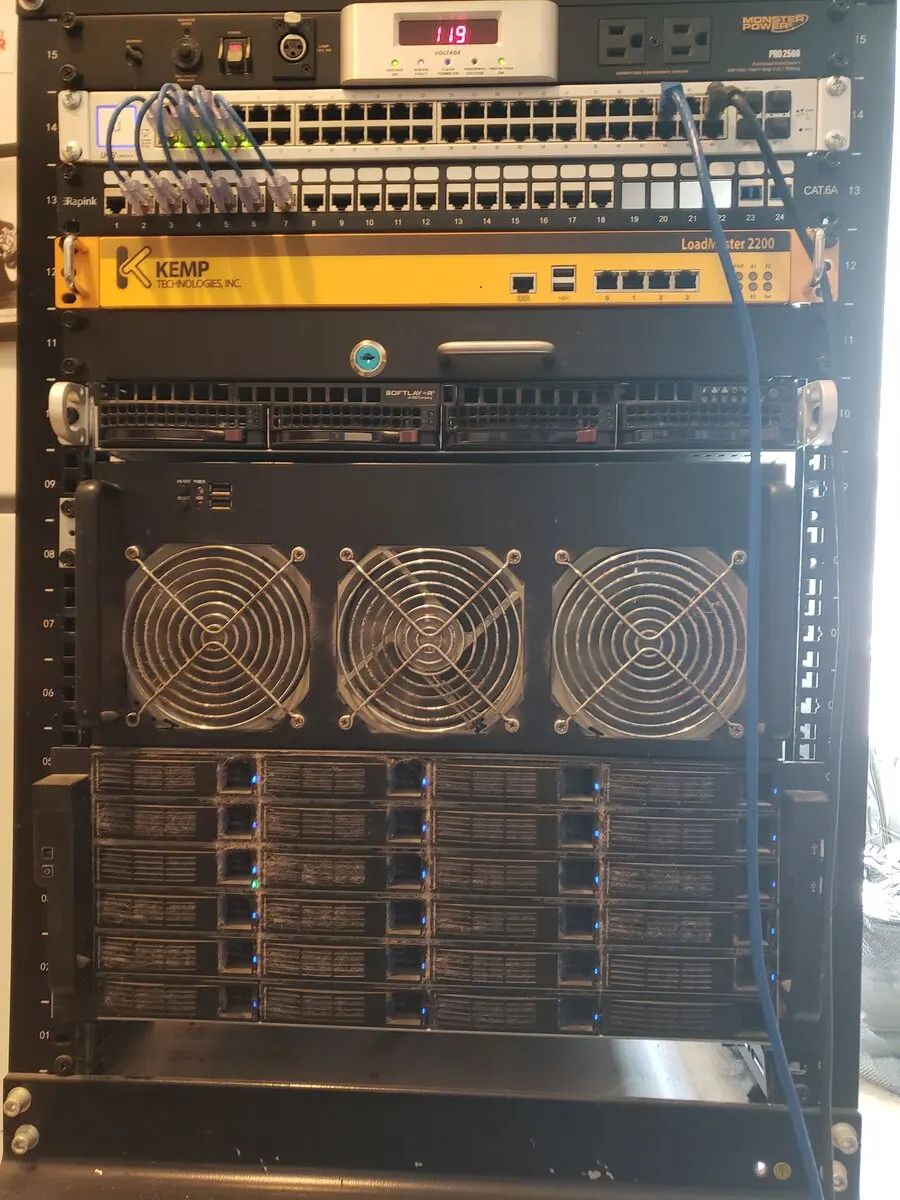
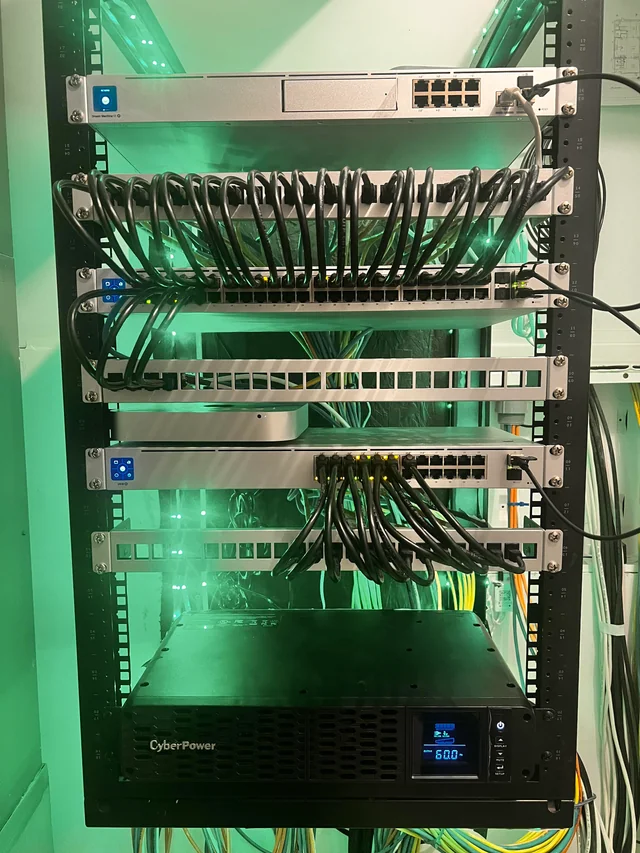
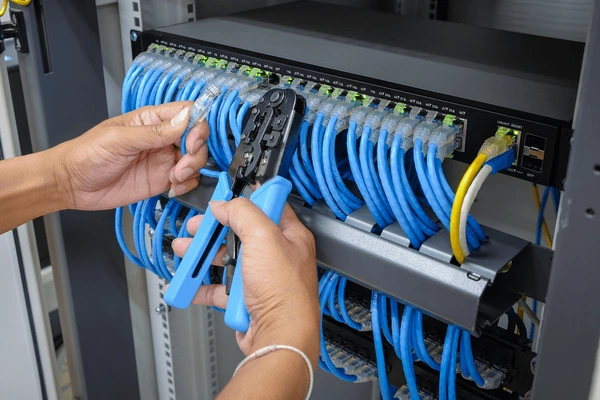
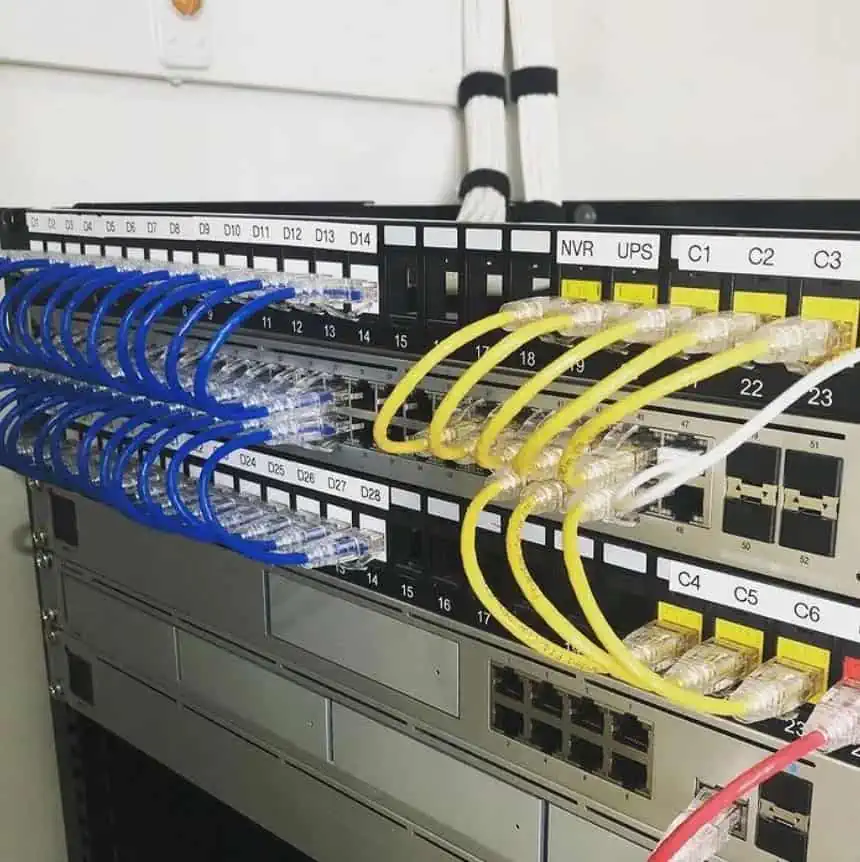
Recent Wi-Fi and network installations across the San Francisco Bay Area
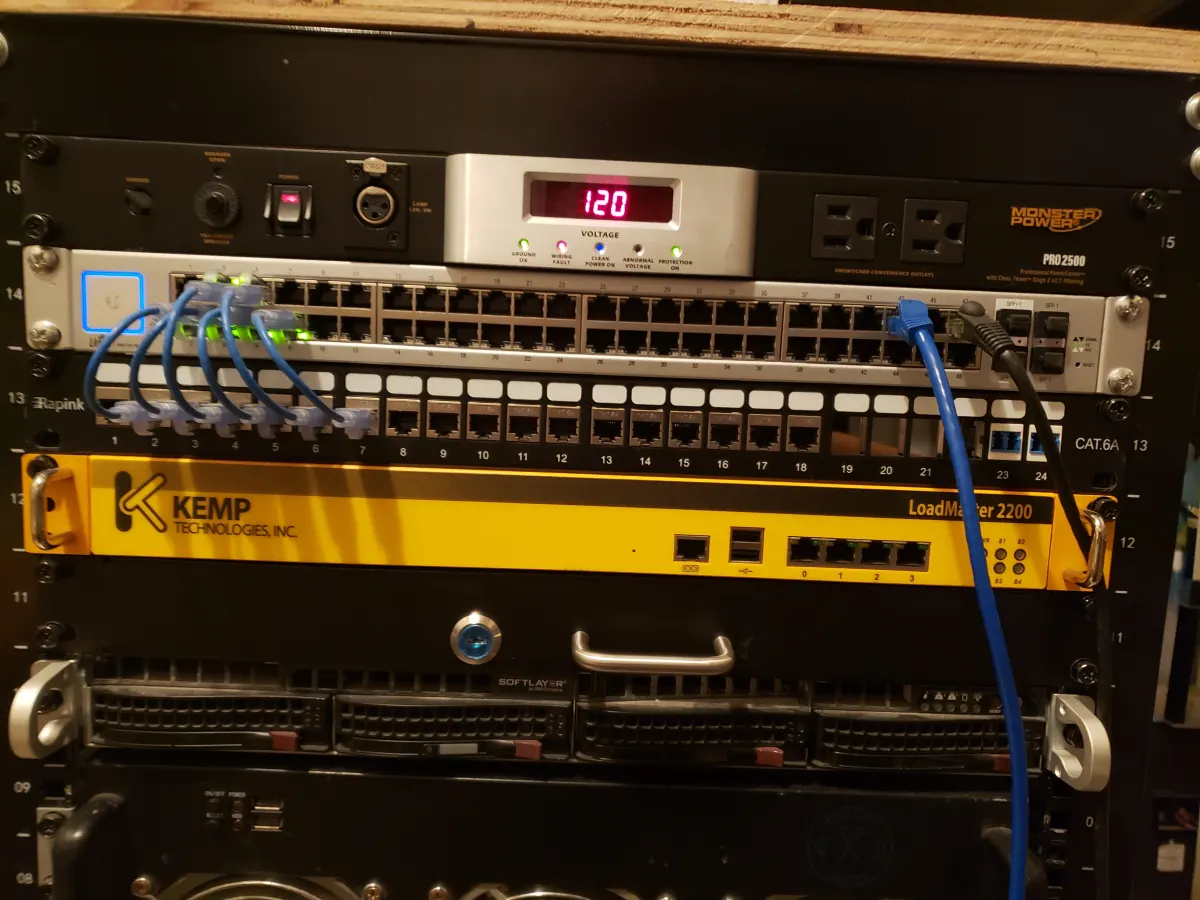
Professional Network & Home Theater Solutions
Dead zones, slow speeds, and dropped connections — we find the cause and fix it properly. Whole-home Wi-Fi that works in every room, including thick-walled San Francisco Victorians.
Get a Free QuoteWe solve your specific Wi-Fi problem — not just sell you more equipment
Wired access points placed throughout your home for seamless, full-speed Wi-Fi in every room. No more dead zones in the garage, backyard, or upstairs bedrooms.
Professional setup and optimization of mesh systems (Eero, Google Nest, Ubiquiti UniFi). We place and configure nodes for maximum coverage and performance.
We survey your home, identify interference sources and coverage gaps, then design the right solution — which sometimes is just repositioning your existing equipment.
Getting half your ISP's advertised speed? We diagnose whether the bottleneck is your router, cabling, ISP equipment, or interference — and fix it.
Enterprise-grade access points (Ubiquiti, Cisco Meraki) that handle dozens of simultaneous devices without slowdowns or drops.
Separate networks for staff and guests so your business data stays protected. Visitors get internet access without reaching your internal systems.
Upgrading from old Wi-Fi 5 to Wi-Fi 6 or Wi-Fi 6E for significantly faster speeds and better performance with modern devices.
Recent Wi-Fi and network installations across the San Francisco Bay Area
"Jeff came to assist with my Internet network. I was having significant issues, which is a challenge when working from home. He quickly assessed the situation and resolved it. Highly recommend him for your projects."
"Thanks for the great work Jeff! Sound is thumping and the HEOS system is working great."
A wired Ethernet backhaul to your access points means zero interference from neighbors' Wi-Fi or microwave ovens.
Wired access points deliver your router's full speed to every room — not the 50% you get from wireless mesh backhaul.
No re-roaming, no band-steering glitches, no dropped video calls. Critical for work-from-home setups.
Wired to the access point, wireless to your devices. You get the convenience of Wi-Fi with the reliability of cable.
Common questions about Wi-Fi setup and network installation in San Francisco
A mesh network uses multiple access points spread throughout your home that all work together as one seamless Wi-Fi network. Instead of your phone connecting to a single router in one corner of the house, it automatically connects to whichever access point is closest. This eliminates dead zones and keeps speeds consistent everywhere. Whether you need one depends on your home's size and layout — sometimes a single upgraded router in a better location solves the problem completely.
Wireless mesh nodes communicate with each other over Wi-Fi, which means they share that bandwidth for their own backhaul connection — you typically get about half the speed you would otherwise. Wired access points connect back to your router via Ethernet cable, so they deliver your router's full speed to every room. Wired is always better if we can run cable. Wireless mesh is a good option when running cable isn't practical.
Yes — this is one of the most common projects we handle. Thick plaster, lathe, and older construction materials absorb Wi-Fi signals far more than modern drywall. We survey the home, identify where signal is blocked, and design a solution around the actual structure of your building. In many cases this means running Ethernet through the walls or crawl space and placing access points where they'll actually reach every room.
We work with all major brands. For home setups we commonly use Eero, Google Nest, TP-Link Deco, and Ubiquiti UniFi. For business and higher-performance installations we lean toward Ubiquiti UniFi and Cisco Meraki, which offer more control, better security features, and enterprise-grade reliability. We'll recommend what fits your situation, not what we happen to have in stock.
A simple router upgrade or mesh system configuration is usually two to three hours. Running Ethernet cable to install wired access points throughout a home typically takes a full day, depending on the number of drops and how difficult the cable routing is. We'll give you a clear estimate once we understand the layout of your home.
Several things can cause this: the cable between your ISP's modem and your router may be old or damaged, your router may be placed in a poor location, neighboring networks may be causing interference on the same channel, or your ISP equipment itself may be limiting your speed. We diagnose the actual bottleneck rather than guessing — sometimes the fix is free, sometimes it's a new cable, sometimes it's repositioning equipment you already own.